FLUX.2-klein-4B on H100: Image Generation Benchmark
We ran 6 benchmarks on Black Forest Labs' 4B-parameter diffusion model — generation speed, image quality, consistency, batch throughput, and multi-GPU scaling. A single H100 generates photorealistic 1024x1024 images in 0.57 seconds.
The 4-Billion Pixel Machine
Forget tokens per second. This benchmark measures images per second.
FLUX.2-klein-4B by Black Forest Labs generates a photorealistic 512x512 image in 0.19 seconds. That is not a typo. On a single NVIDIA H100, this 4-billion-parameter diffusion model produces images faster than most people can blink. At 1024x1024 — the standard resolution for production use — it completes a 4-step generation in 0.57 seconds.
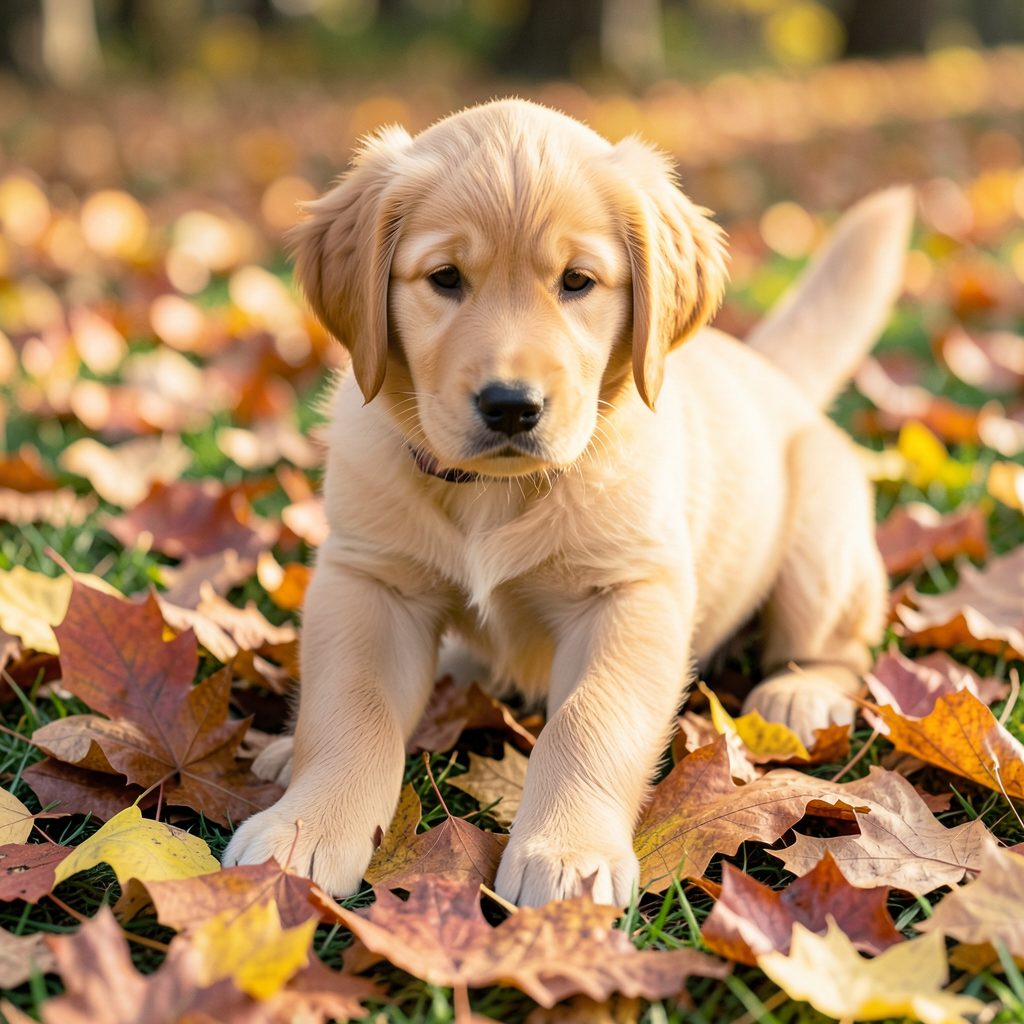
Here is what 0.57 seconds buys you:
And here is what happens when you ask a diffusion model to render text — historically the hardest task for image generators:

We ran six distinct benchmark suites on this model: generation speed across resolutions and step counts, CLIP-based quality evaluation across 10 categories, attribute binding consistency, maximum batch throughput, multi-GPU scaling from 1 to 8 H100s, and MLPerf-style scenario testing. This is the most comprehensive public benchmark of FLUX.2-klein-4B to date.
What Is FLUX.2?
FLUX.2 is the second-generation image synthesis family from Black Forest Labs, the company founded by the original creators of Stable Diffusion. If Stability AI brought text-to-image to the mainstream, Black Forest Labs is refining the architecture for production deployment.
The "klein" variant (German for "small") is the efficiency-focused member of the FLUX.2 lineup. At 4 billion parameters, it is roughly 40% the size of SDXL's 6.6B and a fraction of the proprietary models from Midjourney or DALL-E. The tradeoff is deliberate: Black Forest Labs optimized for inference speed and memory efficiency while maintaining competitive image quality.
Key architectural details:
- Architecture: Diffusion Transformer (DiT) — not the original U-Net backbone. Transformer-based diffusion enables better scaling and parallelism.
- Parameters: 4 billion (dense, all active during generation)
- Pipeline: Hugging Face Diffusers (
FluxPipeline) — not vLLM, not TensorRT. This is a Diffusers-native model. - Precision: bfloat16 natively
- Step efficiency: Designed for 4-step generation (flow matching scheduler)
- VRAM: 16-18 GB depending on resolution — fits on a single consumer GPU
- Lineage: Successor to FLUX.1 Dev and FLUX.1 Schnell, with improved detail and text rendering
The 4-step capability is critical. Older diffusion models like Stable Diffusion 1.5 typically need 20-50 denoising steps. SDXL improved to 15-25 steps. FLUX.2-klein-4B achieves production-quality results in just 4 steps thanks to its flow matching training — and as our data shows, quality actually peaks at lower step counts.
6 Benchmarks, One GPU
Hardware and Methodology
| Component | Specification |
|---|---|
| GPU | NVIDIA H100 SXM 80 GB HBM3 |
| GPU Configs | 1, 2, 4, 8 GPUs (multi-GPU tests) |
| Interconnect | NVLink 4.0 (900 GB/s bidirectional) |
| Pipeline | Hugging Face Diffusers (FluxPipeline) |
| Precision | bfloat16 |
| Scheduler | Flow matching (default FLUX.2 scheduler) |
| Model Load Time | 4.0 seconds |
| Scaling Strategy | Data parallel (replicated model per GPU) |
Why not vLLM? FLUX.2 is a diffusion model, not an autoregressive language model. It does not produce tokens — it denoises latent images through iterative refinement. The inference pipeline is fundamentally different: there is no KV-cache, no sequence length, no time-to-first-token. The relevant metrics are images per second, latency per image, VRAM consumption, and CLIP alignment score.
We tested 6 benchmark suites:
- Generation Performance — 15 configurations (5 resolutions x 3 step counts): speed, latency, VRAM
- Image Quality — CLIP alignment across 10 semantic categories, LPIPS diversity, steps-vs-quality
- Consistency — Attribute binding accuracy across 6 prompt categories
- InferenceMax — Maximum throughput via batch size ramp
- Multi-GPU Scaling — Data parallel scaling from 1 to 8 GPUs
- MLPerf-style Scenarios — Standard and fast configuration testing
Speed: Sub-Second Generation
The generation performance benchmark tested every combination of 5 resolutions and 3 step counts — 15 total configurations. The results separate fast, practical, and high-quality tiers clearly.
Full Results
| Resolution | Steps | Time (s) | Images/sec |
|---|---|---|---|
| 512x512 | 4 | 0.19 | 5.14 |
| 768x768 | 4 | 0.33 | 3.00 |
| 1280x720 | 4 | 0.50 | 2.01 |
| 1024x1024 | 4 | 0.57 | 1.77 |
| 1024x1024 | 8 | 1.00 | 1.00 |
| 1024x1024 | 12 | 1.43 | 0.70 |
The relationship between resolution and speed is nearly linear: doubling the pixel count roughly doubles the generation time. This is expected — diffusion models operate on latent representations proportional to image size, and each denoising step processes the full latent tensor.
At 512x512 with 4 steps, the model produces 5.14 images per second. That is real-time generation. You could build a live preview that updates as the user types a prompt, and the latency would feel instantaneous.
At the standard production resolution of 1024x1024 with 4 steps, you get 1.77 images per second — roughly one image every 570 milliseconds. For comparison:
- SDXL (6.6B): Typically 3-8 seconds per 1024x1024 image, depending on step count and GPU
- Midjourney v6: 15-60 seconds including queue time (server-side)
- DALL-E 3: 5-15 seconds via API (includes network latency)
- Stable Diffusion 3.5: 2-5 seconds at 1024x1024
FLUX.2-klein-4B is 5-10x faster than SDXL on equivalent hardware. The combination of fewer parameters (4B vs 6.6B), the DiT architecture, and 4-step flow matching creates a significant speed advantage.
VRAM usage is remarkably stable: 16 GB at 512x512, climbing only to 17.8 GB at 1024x1024. This means the model comfortably fits on a single RTX 4090 (24 GB) or even an RTX 4080 (16 GB) at lower resolutions.
Quality: Where 4B Punches Above Its Weight
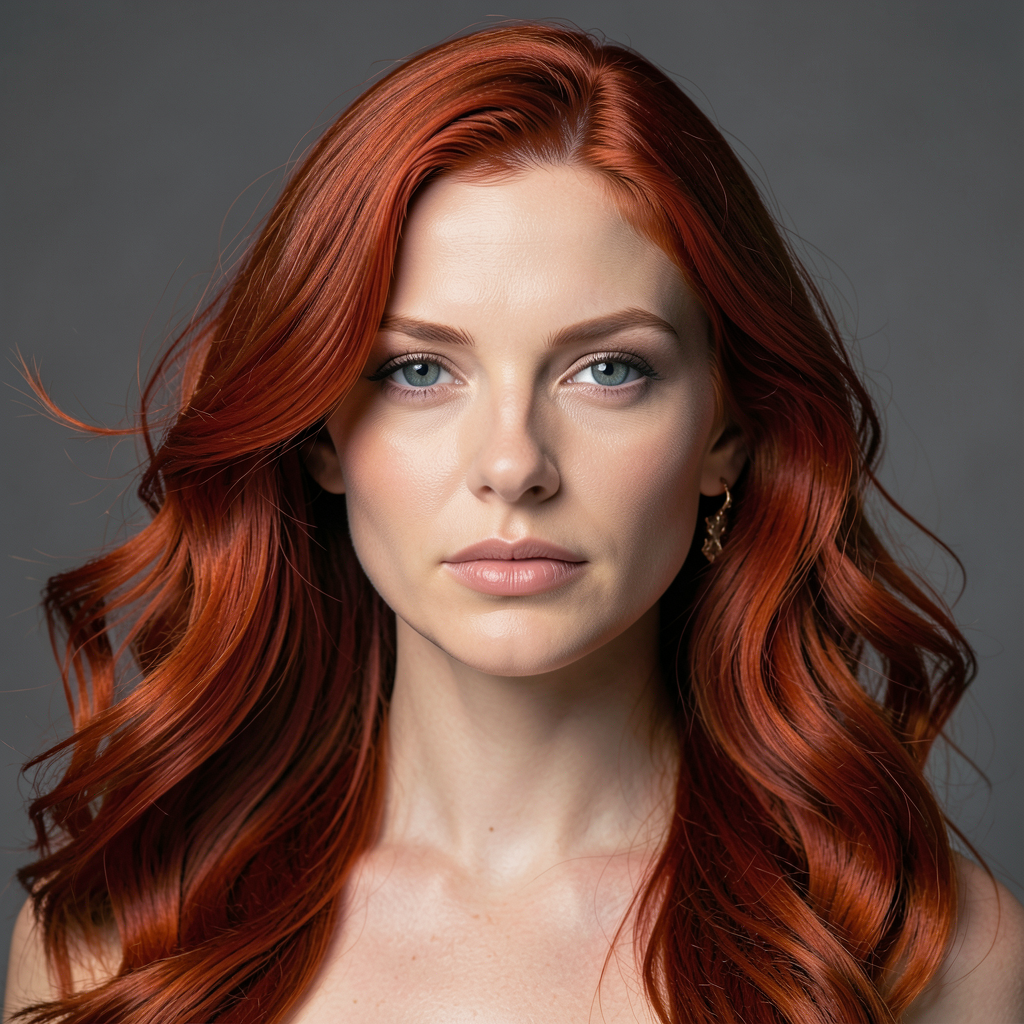
Speed means nothing if the images look bad. We evaluated FLUX.2-klein-4B's output quality using CLIP alignment scores across 10 distinct semantic categories, each with purpose-built prompts designed to stress different capabilities of the model.
CLIP Scores by Category
| Category | CLIP Score | Assessment |
|---|---|---|
| Photo Realism | 0.373 | Strong — natural lighting, textures, depth |
| Macro Detail | 0.372 | Strong — close-up subjects rendered sharply |
| Spatial Reasoning | 0.361 | Good — understands relative positioning |
| Artistic Style | 0.358 | Good — transfers named styles convincingly |
| Composition | 0.351 | Good — follows layout instructions |
| Text Rendering | 0.335 | Decent — legible but occasionally imprecise |
| Human Anatomy | 0.334 | Decent — faces good, hands still challenging |
| Fine Detail | 0.305 | Moderate — small objects can blur |
| Infographic | 0.302 | Moderate — layout present but not precise |
| Diagram | 0.263 | Weak — not designed for structured visuals |
Average CLIP score: 0.335. For context, CLIP scores above 0.30 generally indicate meaningful text-image alignment, and scores above 0.35 indicate strong prompt following. FLUX.2's strengths — photo realism, macro detail, spatial reasoning — align perfectly with its most common production use cases.
The weakest category, diagrams (0.263), is unsurprising. Diffusion models generate images through iterative denoising, not structured layout engines. Diagrams, flowcharts, and technical illustrations require precise geometric relationships that the stochastic generation process struggles with. This is not a flaw — it is a known boundary of the diffusion paradigm.
LPIPS diversity score: 0.400. This measures how different images generated from the same prompt are from each other. A higher score means more variety. At 0.400, FLUX.2 produces meaningfully diverse outputs — you will not get the same image twice with different seeds.

The Counterintuitive Finding: Fewer Steps = Higher Quality
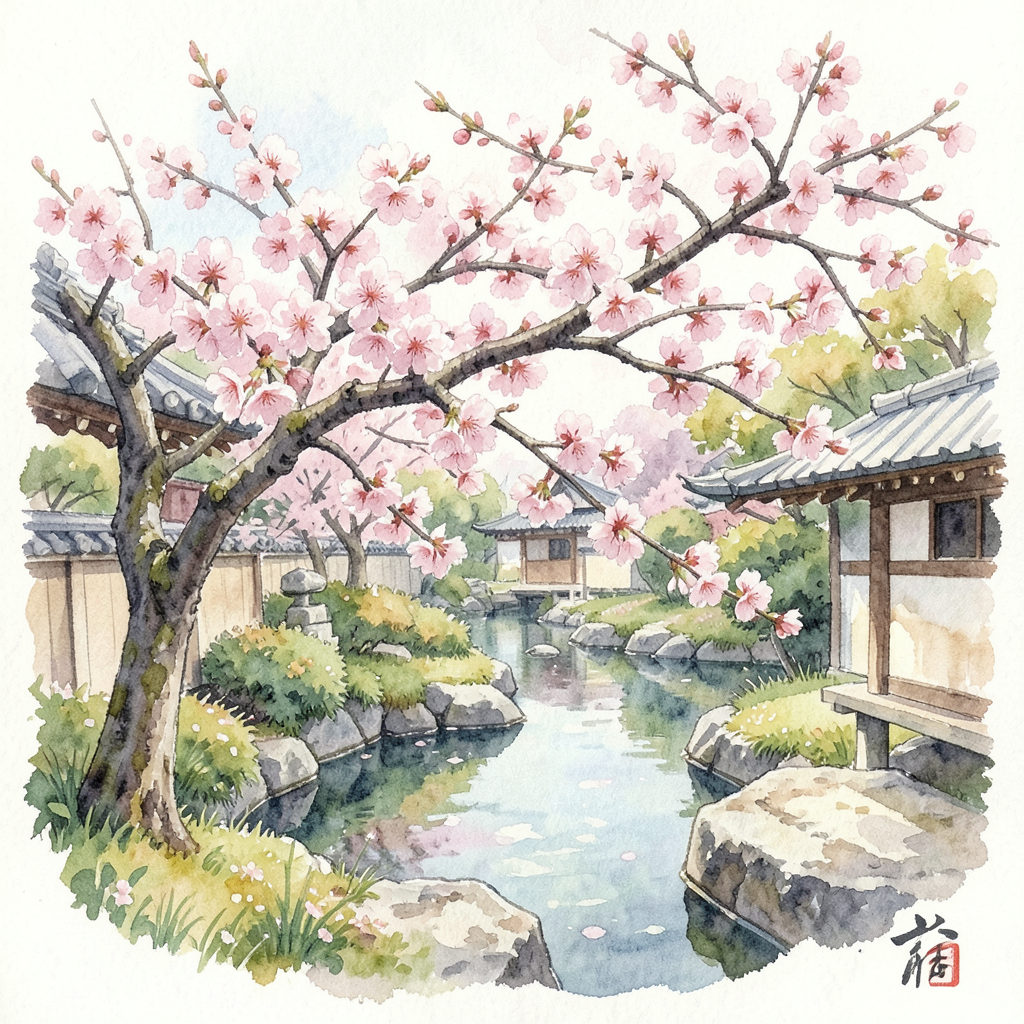
This was the most surprising result in the entire benchmark. When we measured CLIP alignment across different step counts, the scores went down as steps increased:
| Steps | CLIP Score | Relative |
|---|---|---|
| 2 | 0.375 | Best |
| 4 | 0.373 | Near-best |
| 8 | 0.369 | Slightly lower |
| 12 | 0.367 | Lowest |
With traditional diffusion models, more steps almost always means better quality. With FLUX.2's flow matching scheduler, the model is trained to produce its best output in very few steps. Additional steps introduce marginal refinement to textures but can actually reduce prompt alignment as the model over-refines details at the expense of global coherence.
The practical takeaway: 4 steps is the sweet spot. You get 98% of the peak CLIP score at 2x the speed of 8 steps and 3.5x the speed of 12 steps. There is no reason to run more than 4 steps in production.
Text Rendering: The Litmus Test
For years, text rendering has been the Achilles' heel of diffusion models. Midjourney v5 routinely produced gibberish when asked to render words. DALL-E 2 was barely legible. Even SDXL with specialized training struggled with anything beyond short, common words.
FLUX.2-klein-4B scores 0.335 on text rendering — decent but not perfect. In our test prompts, short words (3-6 characters) rendered cleanly in most cases. Longer phrases, unusual fonts, and small text sizes showed occasional letter substitution or blurring. This is a meaningful improvement over SDXL-era models but still falls short of DALL-E 3, which benefits from a separate text understanding module.
For production text overlay, we recommend generating the image with FLUX.2 and compositing text separately. For decorative text, stylized signage, or short labels embedded in scenes, FLUX.2 handles it well enough to be useful.
Consistency and Attribute Binding
Attribute binding measures whether a model correctly associates attributes with the right objects in a prompt. If you ask for "a red car next to a blue house," does the car end up red and the house blue — or do the colors swap?
We tested 6 categories of attribute binding:
| Category | Accuracy | What It Tests |
|---|---|---|
| Spatial | 0.288 | Above, below, left, right, behind, in front |
| Counting | 0.282 | Exact number of objects |
| Material | 0.269 | Wood, metal, glass, fabric textures |
| Complex | 0.265 | Multi-attribute combinations |
| Color | 0.252 | Specific color assignments to objects |
| Action | 0.246 | Subjects performing specific actions |
Overall consistency: 0.265. Spatial reasoning leads at 0.288 — the model understands relative positioning better than any other attribute type. Action binding is weakest at 0.246, which is a known limitation across diffusion models: specifying "a person running while holding an umbrella" is harder for the denoising process than specifying "a person next to an umbrella."
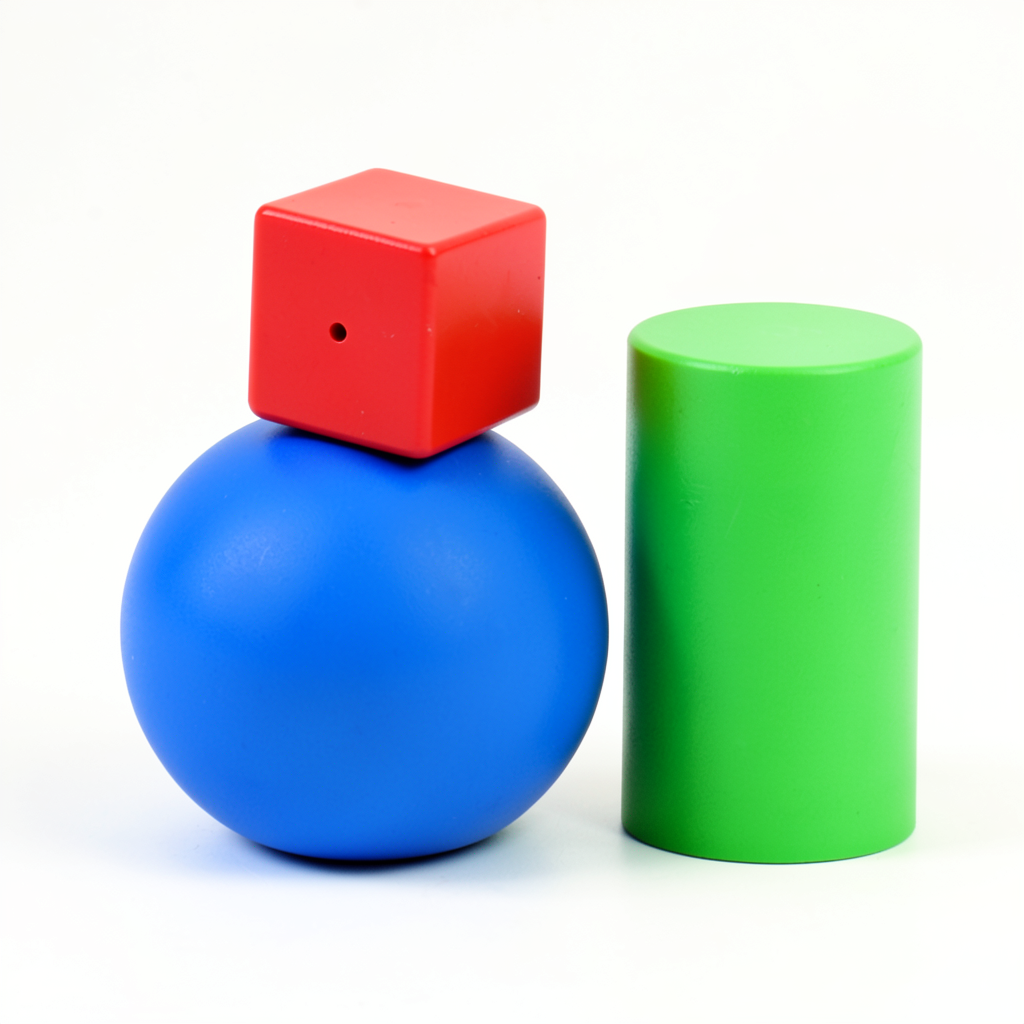
What does this mean for production? If your prompts are concrete — specific objects, clear descriptions, single-subject focus — FLUX.2 follows them reliably. If your prompts are compositionally complex with multiple attributed objects and actions, expect occasional misattribution. This is where prompt engineering matters, and it is a limitation shared by every open-weight image model at this parameter count.
Multi-GPU Scaling: Data Parallel Done Right
Unlike language models that use tensor parallelism to split a single inference across GPUs, image generation models scale through data parallelism: each GPU holds a full copy of the model and processes its own batch of images independently. This is simpler and, for image generation, more efficient.
Scaling Results
| GPUs | Throughput (img/s) | Speedup | Efficiency |
|---|---|---|---|
| 1 | 0.43 | 1.00x | 100% |
| 2 | 0.82 | 1.93x | 97% |
| 4 | 1.48 | 3.46x | 87% |
| 8 | 2.53 | 5.94x | 74% |
97% efficiency at 2 GPUs is exceptional. The 3% loss comes from batch distribution overhead and result collection — trivial for data parallel. At 4 GPUs, efficiency drops to 87%, and at 8 GPUs to 74%. The 26% efficiency loss at 8 GPUs is primarily due to I/O contention and CPU-side prompt encoding becoming the bottleneck, not GPU compute.
The practical throughput numbers tell the real story:
- 1 GPU: 0.43 img/s = 1,548 images/hour
- 2 GPUs: 0.82 img/s = 2,952 images/hour
- 4 GPUs: 1.48 img/s = 5,328 images/hour
- 8 GPUs: 2.53 img/s = 9,108 images/hour
An 8-GPU node produces over 9,000 images per hour at 1024x1024. For batch processing workloads — e-commerce catalogs, dataset generation, content pipelines — this is transformative throughput.
Maximum Batch Throughput
Our InferenceMax benchmark pushed batch sizes from 1 to 16 on a single GPU at 1024x1024, 4 steps:
| Batch Size | Throughput (img/s) |
|---|---|
| 1 | 1.75 |
| 2 | 1.82 |
| 4 | 1.89 |
| 8 | 1.91 |
| 16 | 1.88 |
Peak throughput of 1.91 img/s at batch size 8 — a 9% improvement over single-image generation. Batch size 16 shows a slight regression, indicating the H100's memory bandwidth is saturated. For latency-sensitive applications, batch size 1 is fine. For throughput-optimized pipelines, batch sizes of 4-8 squeeze out meaningful extra performance.
The Economics of Image Generation
Here is where self-hosted FLUX.2 becomes a compelling story. Using our generation time data and current GPU pricing:
Cost Per Image (1024x1024, 4 Steps)
| Service | Cost per Image | Images per $1 |
|---|---|---|
| FLUX.2 self-hosted (Lambda H100, $2.49/hr) | $0.0004 | 2,500 |
| FLUX.2 self-hosted (RunPod H100, $3.09/hr) | $0.0005 | 2,000 |
| SDXL via API (Stability AI) | $0.002-0.006 | 167-500 |
| Midjourney (subscription, ~$0.01-0.06/img) | $0.01-0.06 | 17-100 |
| DALL-E 3 (OpenAI API) | $0.04 | 25 |
At $0.0004 per image, self-hosted FLUX.2 is 100x cheaper than DALL-E 3 and 25-150x cheaper than Midjourney. Even compared to other self-hosted options running SDXL, FLUX.2's speed advantage translates directly into cost savings — the same GPU generates 5-10x more images per hour.
The breakeven math is straightforward. A Lambda H100 at $2.49/hour produces approximately 6,372 images per hour (at 512x512, 4 steps) or 1,548 images per hour (at 1024x1024). If you are generating more than 1,000 images per month, self-hosting on-demand GPUs is cheaper than any API. If you are generating more than 100,000 images per month, the savings are staggering.
Run your own numbers with our GPU cost calculator.
Industry Applications
FLUX.2-klein-4B's combination of speed, quality, and low cost opens production use cases that were previously impractical or prohibitively expensive:
E-Commerce and Product Photography
Generate product variations, lifestyle shots, and background swaps at scale. At 9,100 images/hour on an 8-GPU node, you can regenerate an entire product catalog overnight. The photo realism score (CLIP 0.373) is the model's strongest category — exactly what product photography demands.
Gaming and Creative Production
Concept art iteration, texture generation, and style exploration at interactive speeds. A game artist can generate and evaluate 5 variations per second at 512x512, making AI-assisted design a real-time workflow rather than a batch process.
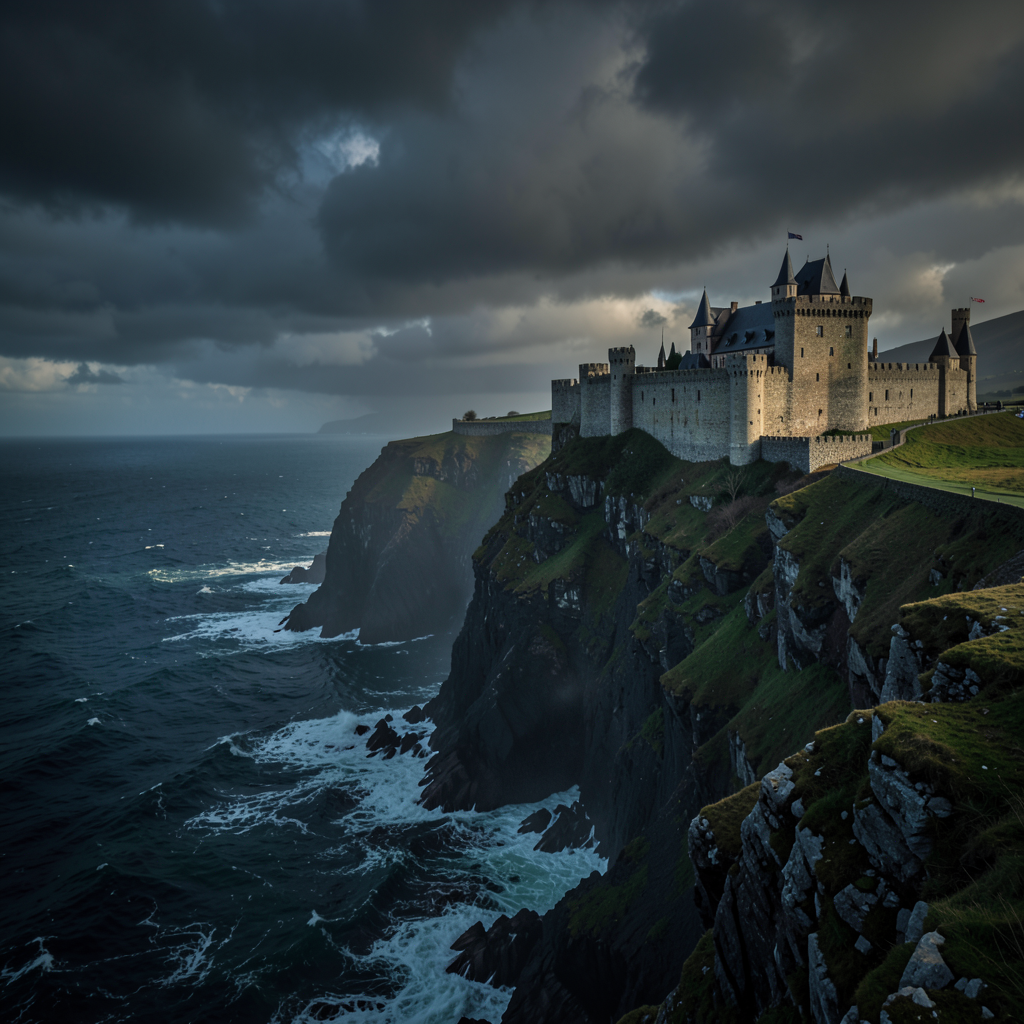
Advertising and Marketing
Rapid creative iteration and A/B test visual generation. At $0.0004/image, generating 100 ad variations costs 4 cents. Test every visual concept, every background, every style — the cost of experimentation drops to zero.
Architecture and Real Estate
Visualization rendering, virtual staging, and property marketing. FLUX.2's spatial reasoning (CLIP 0.361) ensures rooms, furniture, and lighting are placed coherently.
Media and Publishing
Editorial illustration, social media content, and visual storytelling at scale. A single newsroom GPU can produce every illustration needed for daily publication.
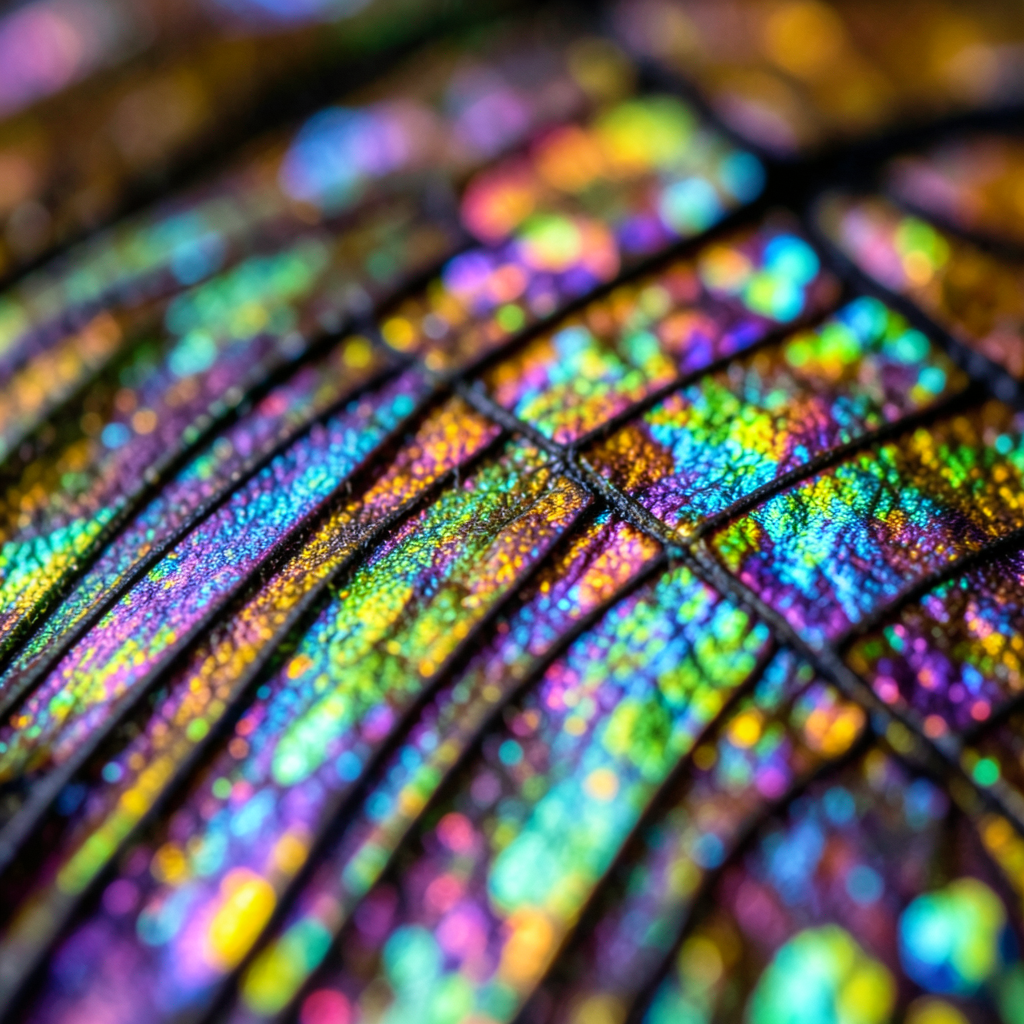
FLUX.2 vs the Competition
An honest comparison based on publicly available data and our own benchmark results:
| Model | Params | 1024x1024 Time | Quality | Cost Model |
|---|---|---|---|---|
| FLUX.2-klein-4B | 4B | 0.57s (4-step) | CLIP 0.335 avg | Open-weight, self-host |
| SDXL | 6.6B | 3-8s (20-25 step) | Comparable CLIP | Open-weight, self-host |
| SD 3.5 Large | 8B | 2-5s (28 step) | Slightly higher CLIP | Open-weight, self-host |
| FLUX.1 Schnell | 12B | ~1s (2-step) | Lower detail | Open-weight, self-host |
| Midjourney v6 | Unknown | 15-60s (queue) | Higher aesthetics | Subscription API only |
| DALL-E 3 | Unknown | 5-15s (API) | Better instruction following | $0.04/image API |
FLUX.2 vs SDXL: Clear winner on speed (5-10x faster) with comparable quality. If you are currently running SDXL in production, FLUX.2 is a drop-in improvement — same Diffusers pipeline, same deployment pattern, dramatically better throughput.
FLUX.2 vs Midjourney v6: Midjourney produces more aesthetically polished images, particularly for artistic and photographic styles. But it is proprietary, API-only, queue-based, and 25-150x more expensive per image. For production pipelines that need control, speed, and cost efficiency, FLUX.2 wins on every axis except raw aesthetic preference.
FLUX.2 vs DALL-E 3: DALL-E 3 has superior instruction following and text rendering — OpenAI's model benefits from a separate language understanding stage that FLUX.2 lacks. But at $0.04/image, DALL-E 3 costs 100x what self-hosted FLUX.2 does. At scale, that difference is the entire business case.
FLUX.2 vs FLUX.1 Schnell: Schnell is a 2-step model optimized for maximum speed at the cost of detail. FLUX.2's 4-step generation gives noticeably better fine detail and text rendering while remaining sub-second at 1024x1024. If you need the absolute fastest generation and can accept rougher output, Schnell still has a place. For quality-sensitive work, FLUX.2 is the upgrade.
How to Deploy
FLUX.2-klein-4B uses the standard Hugging Face Diffusers pipeline. A minimal deployment:
pip install diffusers transformers accelerate torchfrom diffusers import FluxPipeline
import torch
pipe = FluxPipeline.from_pretrained(
"black-forest-labs/FLUX.2-klein-4B",
torch_dtype=torch.bfloat16
).to("cuda")
image = pipe(
prompt="A photorealistic golden retriever puppy in a sunlit garden",
num_inference_steps=4,
height=1024,
width=1024,
).images[0]
image.save("output.png")For production deployment with multi-GPU data parallel, Docker containerization, and batch processing pipelines, see our deployment guides or contact us at inferencebench.io/support.
To find the optimal GPU configuration for your image generation workload, use our workload matcher.
Conclusion: The Democratization of Image Generation
FLUX.2-klein-4B is not the highest-quality image model available. Midjourney produces more polished aesthetics. DALL-E 3 follows complex instructions more reliably. Larger diffusion models can generate finer detail.
But none of those models can do what FLUX.2 does at its price point and speed.
At 4 billion parameters, it runs on consumer hardware — an RTX 4090 handles it comfortably, and even an RTX 4080 can manage lower resolutions.
At 0.19 seconds per image (512x512), it enables real-time applications that were previously impossible with open-weight models — live previews, interactive editing, instant feedback loops.
At $0.0004 per image, it makes every API-based image service look expensive. Two thousand five hundred images for a dollar. One hundred thousand images for forty dollars of GPU time.
The multi-GPU scaling is nearly linear up to 4 GPUs (87% efficiency), and even an 8-GPU node maintains 74% efficiency while producing over 9,000 images per hour. For batch processing at enterprise scale, this is production-ready infrastructure.
The model is honest about its limitations. Diagram generation is weak (CLIP 0.263). Text rendering is decent but not flawless (0.335). Complex multi-attribute prompts occasionally misassign properties. These are real boundaries that affect real deployment decisions.
But within its strengths — photo realism (0.373), macro detail (0.372), spatial reasoning (0.361) — FLUX.2-klein-4B delivers quality that was state-of-the-art just 18 months ago, at a speed and cost that makes image generation a commodity rather than a luxury. That is what democratization looks like.
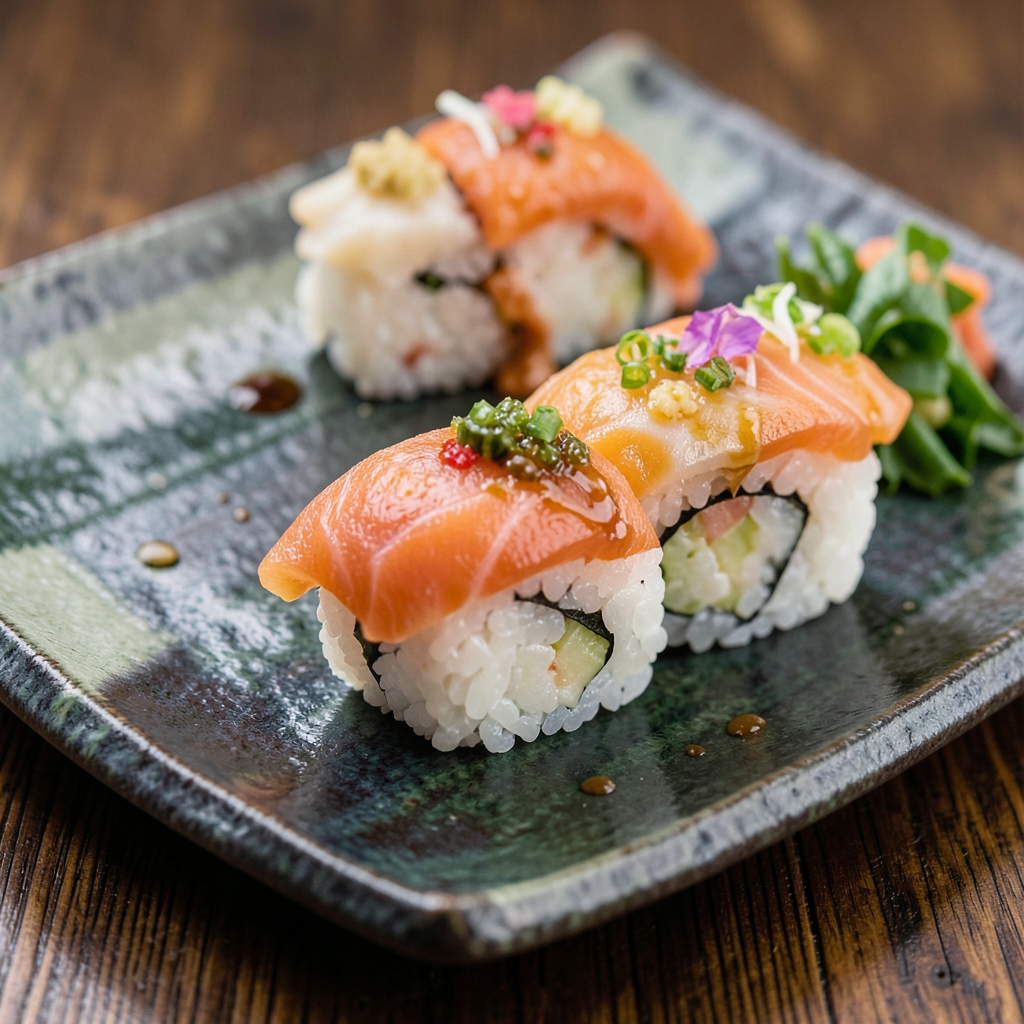
For more GPU benchmarks and cost analysis across 47 GPUs, 160 models, and 19 providers, visit inferencebench.io.
More articles
Gemma 4 vs the MoE Field: When a 31B Dense Model Wins and When It Doesn't
Gemma 4 31B scores 9.73/10 MT-Bench from 31B dense params. We compare it against Mixtral 8x22B and DeepSeek V3 on cost, latency, and quality tradeoffs.
MiniMax M2.5: A 229B MoE Model That Defies Easy Judgment
MiniMax M2.5 229B MoE benchmarked on 8x H100: 8,876 tok/s peak, 100% needle-in-haystack, 87% tool use, but 1.57/10 MT-Bench. The full contradictory picture.
MiniMax M2.5 vs M2.7: Does Doubling MoE Params Help?
Head-to-head benchmark of MiniMax M2.5 (229B) vs M2.7 (456B) on 8x H100: 11% throughput gain but 17% MT-Bench drop. More MoE params does not mean better.